Rent invoices, what Patrimoine does on its own each night, and paying an invoice off.
Understand how rent invoices are raised
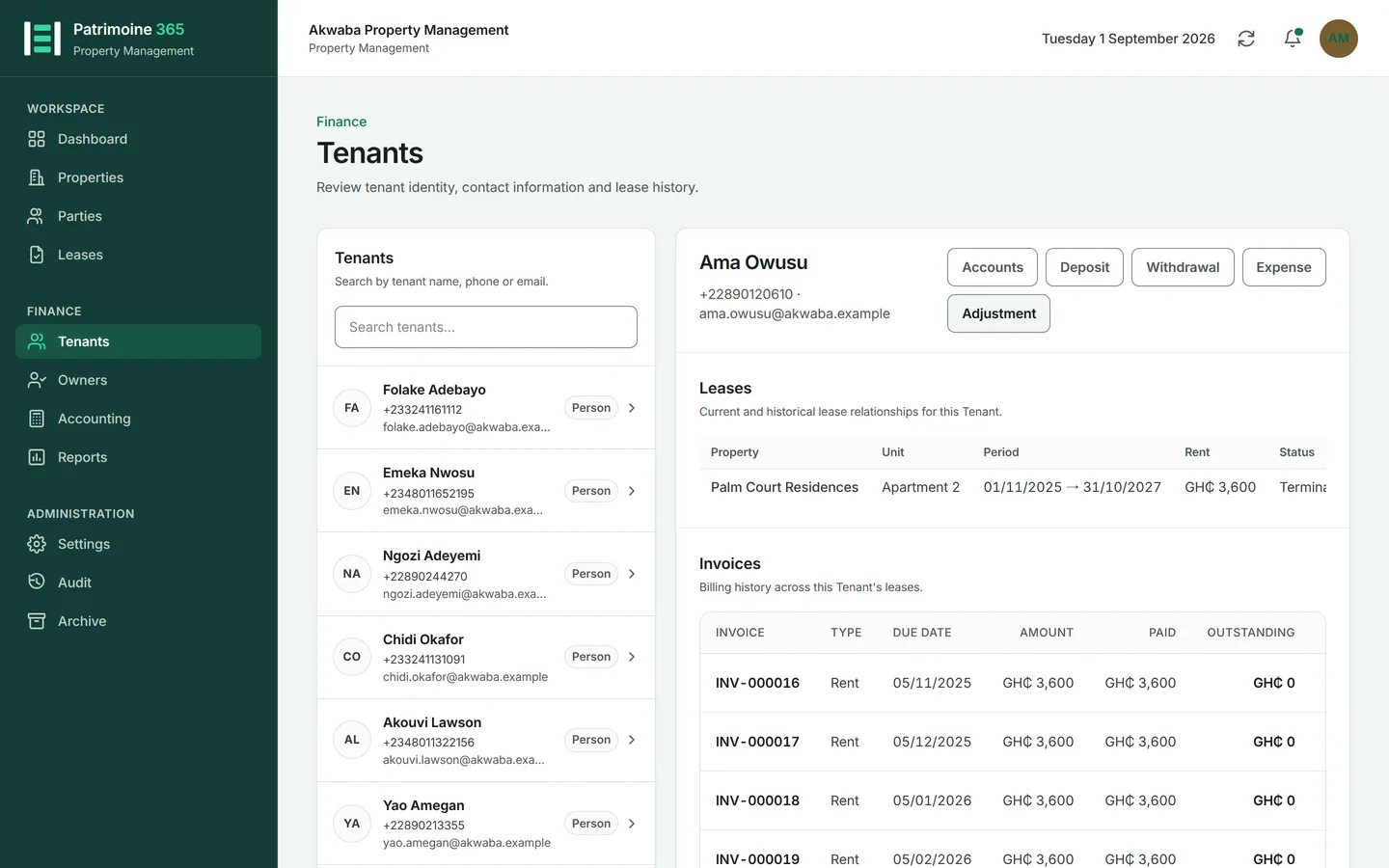
You do not raise rent invoices by hand. Patrimoine raises them from the lease, on the schedule the lease sets, so a letting cannot be forgotten.
1
Each active lease says what the rent is and how often it falls due.
2
The nightly run raises the next invoice as each period comes round, numbered in sequence.
3
The day the lease began is the anniversary, and it is kept for the whole letting. A lease starting on the 31st is billed on 31 January, 28 February, 31 March, 30 April — the last day of a month too short to hold the 31st, and the 31st again the month after. The anniversary is never lost to a short month.
4
An invoice that already exists for a period is never raised twice, however many times the run happens.
5
The invoice is emailed to the tenant, unless emails are switched off for them or for the organisation.
Know what happens each night
Six jobs run automatically. Between them they keep the books moving without anybody logging in.
1
Rent invoices are raised for any lease whose next period has begun.
2
Rent increments that have reached their effective date are applied.
3
Reminders go out for invoices that are due or overdue.
4
Licences approaching expiry produce their notices.
5
Each run is recorded, so it can be established afterwards that it happened and what it did.
Pay an invoice off
Who can do this: Administrators and Property Managers
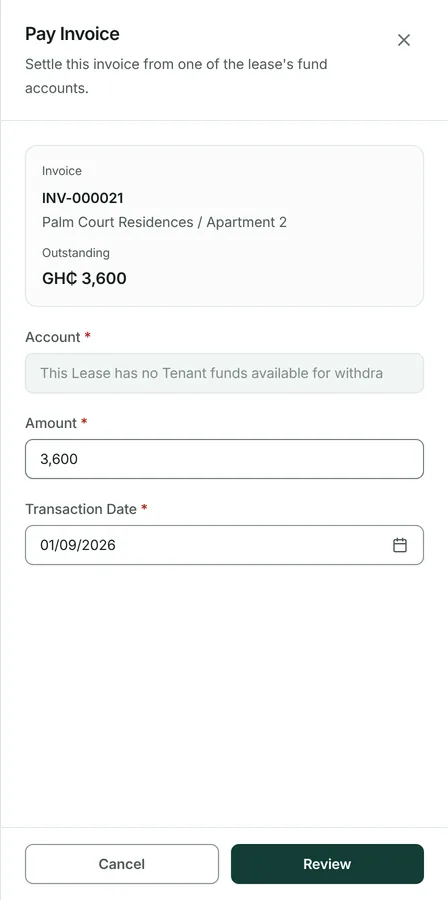
Rent is normally settled by recording a payment from the tenant, which is applied oldest invoice first. An invoice can also be paid directly where that is clearer.
1
Open the invoice from the tenant, the lease, or the invoice list.
2
Press Pay.
3
Enter the amount, the date and how it was paid.
4
Press Save. The receipt is produced and the invoice shows what remains, if anything.
Cancel a payment made in error
Who can do this: Administrators and Property Managers
A payment recorded against the wrong invoice, or entered twice, is cancelled rather than deleted: the correction stays visible in the accounts.
1
Open the invoice and find the payment.
2
Press Cancel payment and say why.
3
Confirm. The invoice reopens for the amount concerned, and the reversal is posted to the journal rather than the original entry being erased.