Getting figures out of Patrimoine, on screen or as a file.
Run a report
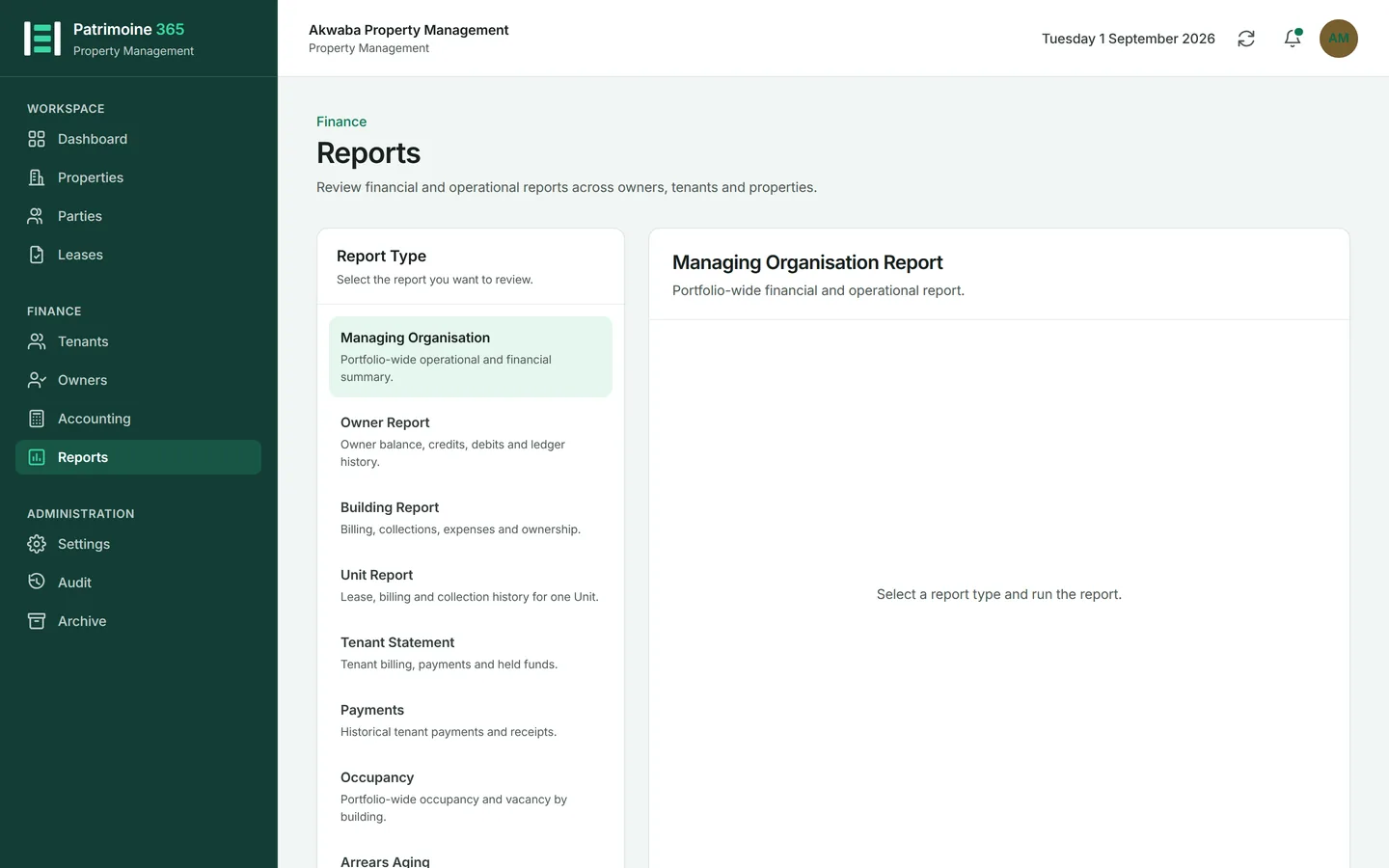
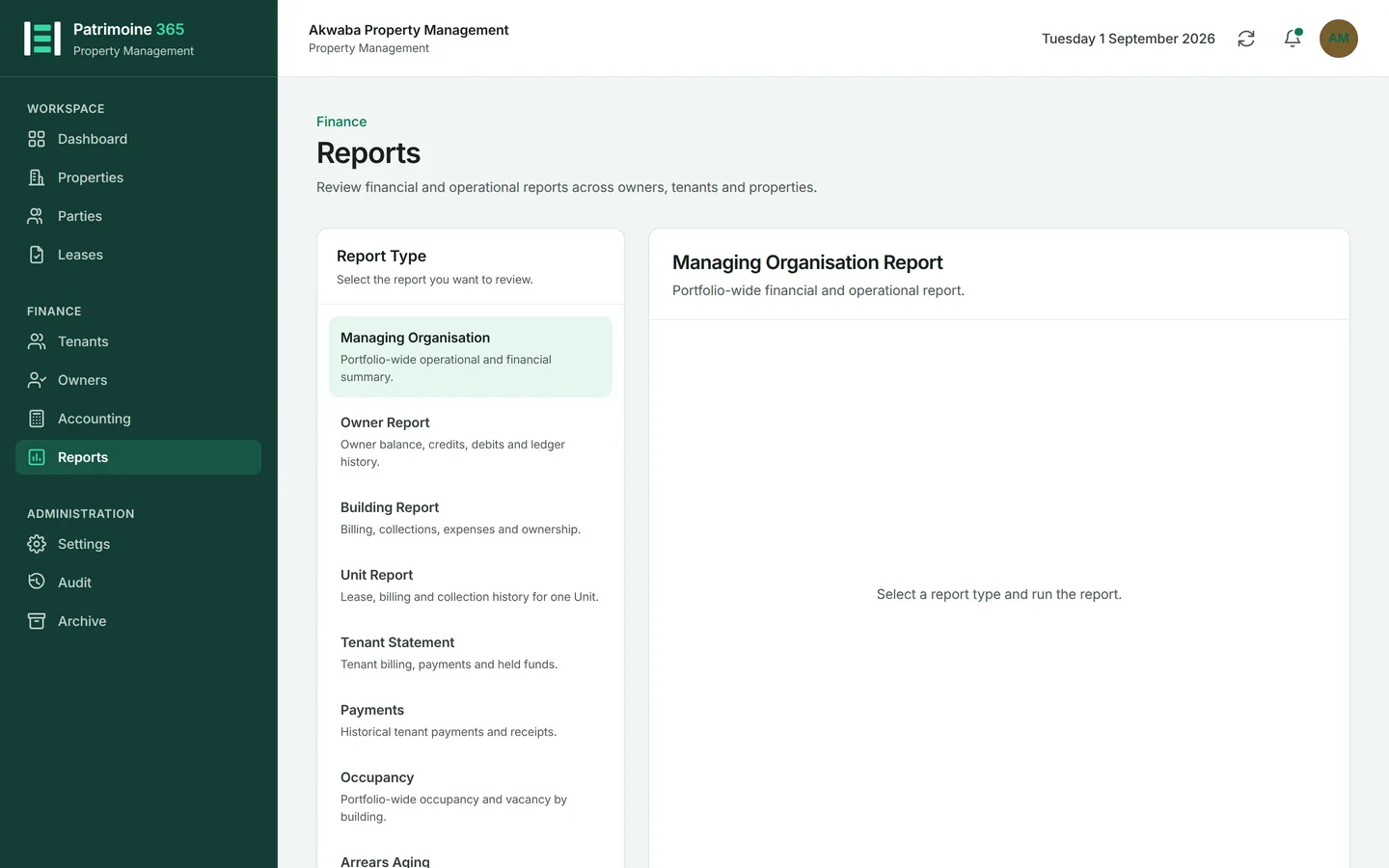
Nine reports cover the portfolio, the money and the arrears. Every one is run the same way.
1
Open Reports from the sidebar and choose the report you want.
2
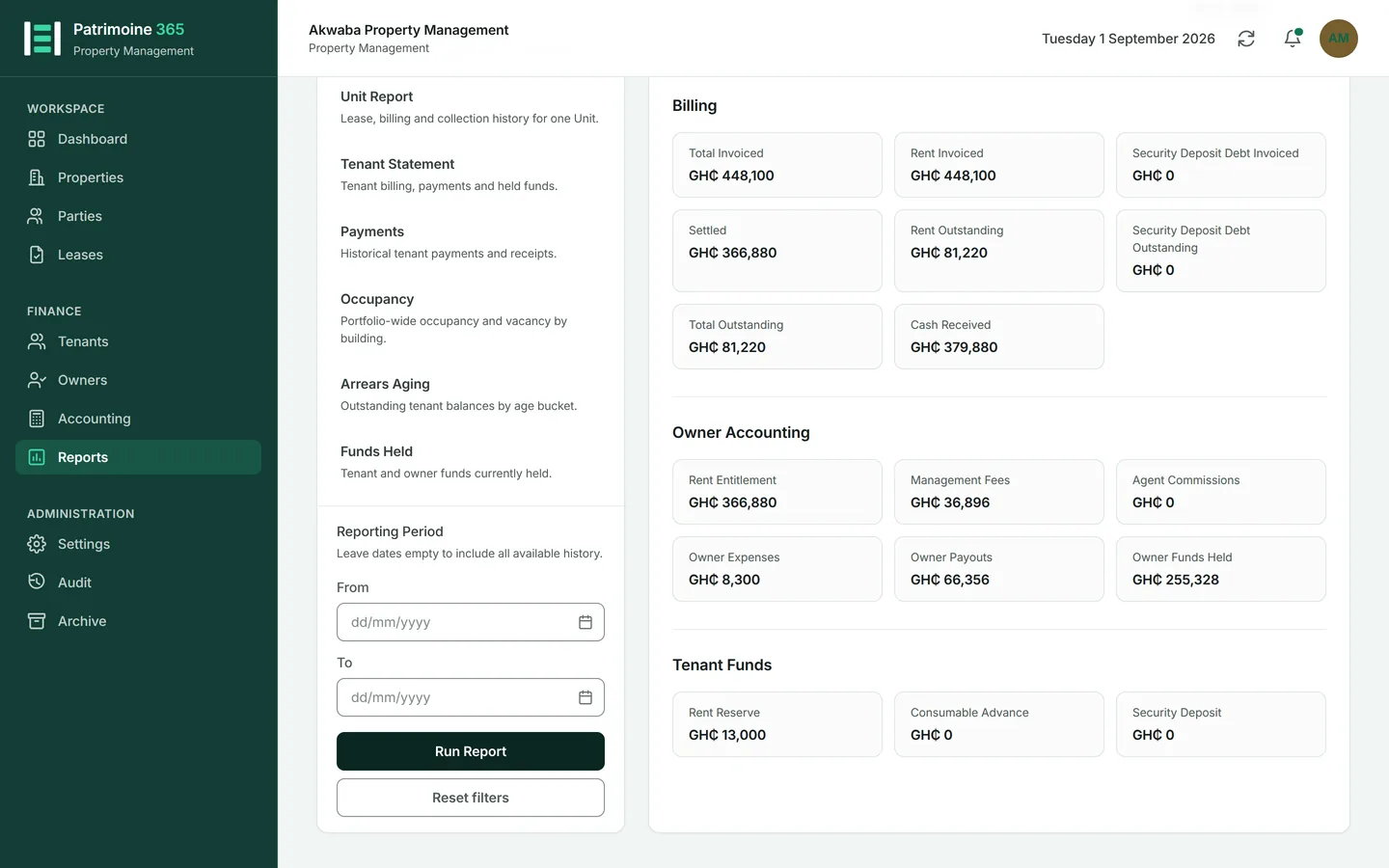
Set the period and any filters — a building, an owner, a tenant.
3
Press Run report. The result appears on screen.
4
Change a filter and run it again; nothing is saved until you export.
Export a report
Every report can leave Patrimoine in three forms: PDF to send, XLSX to work with, CSV to load somewhere else.
1
Run the report first. Exports carry exactly what is on screen, filters included.
2
Press PDF, XLSX or CSV.
3
PDF opens in a new tab; XLSX and CSV download.
4
Every role may export, including Viewers.
Read the dashboard
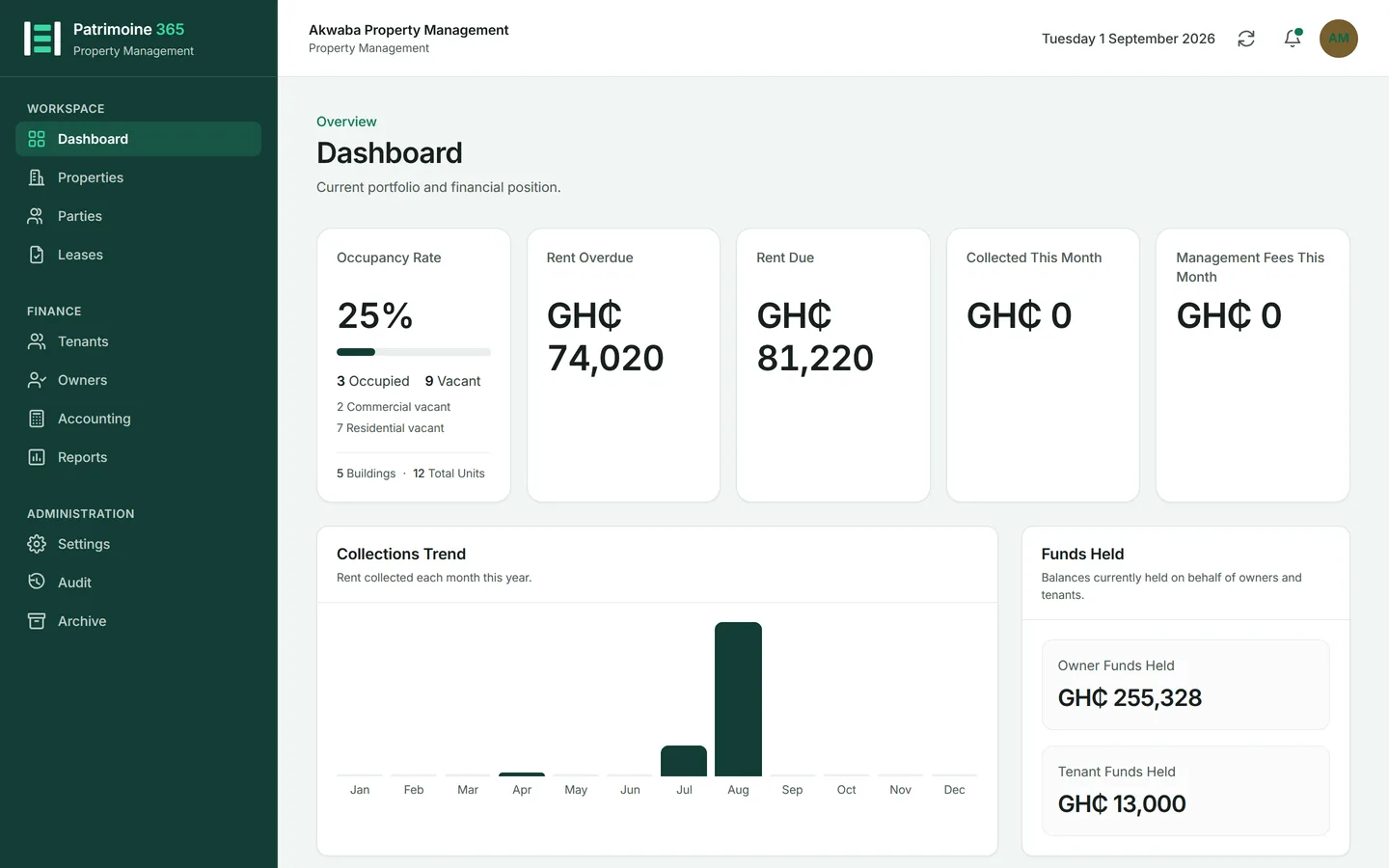
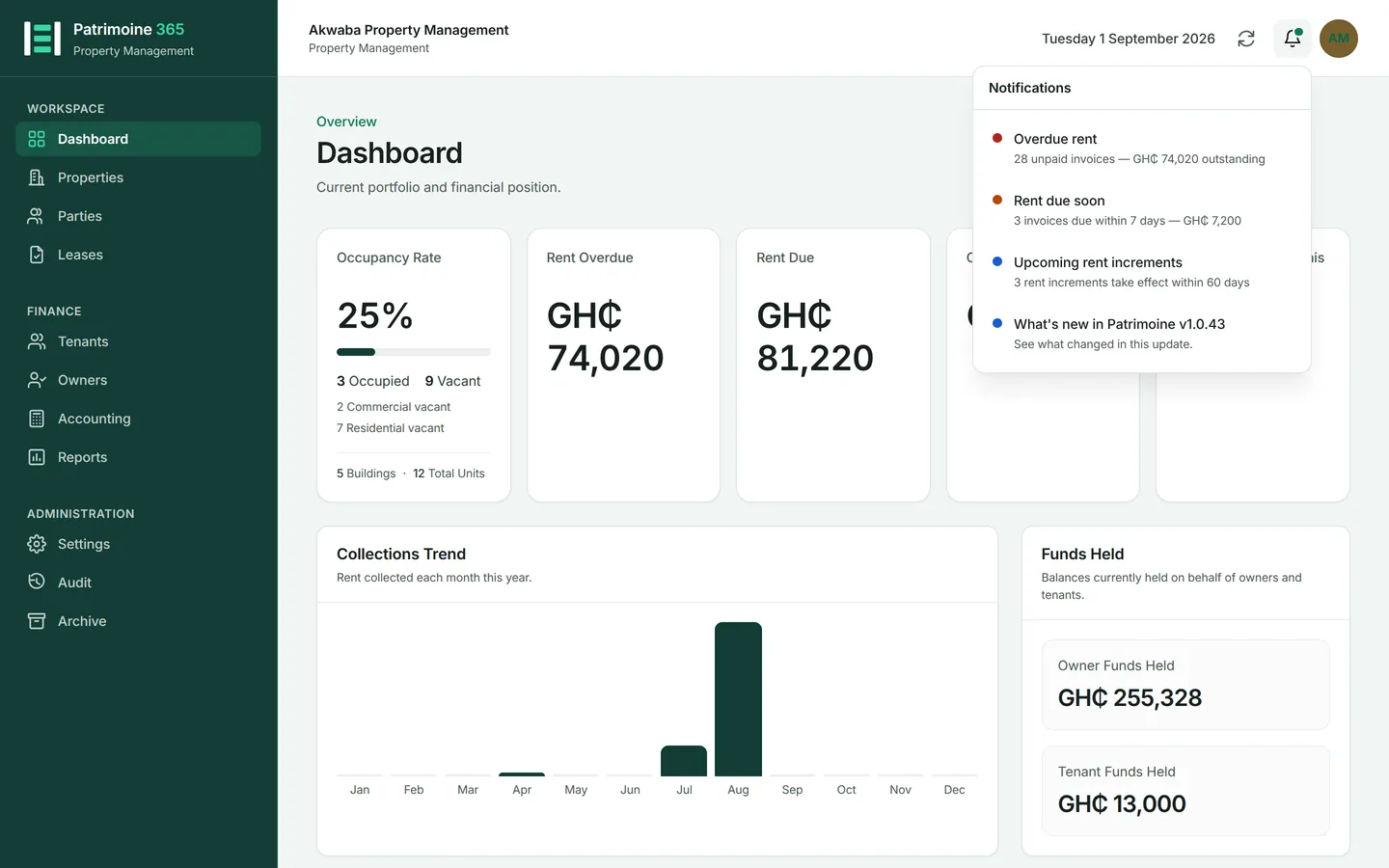
The dashboard is the state of the business in one screen, and every figure on it is a link to the records behind it.
1
Open Dashboard from the sidebar.
2
The cards show what has been collected, what is outstanding, and what is happening this month.
3
The collections trend is the whole of the year you are reading, January to December. Months still to come sit at zero until they arrive, so the shape of the year is visible from January onwards.
4
The bell at the top right carries what needs attention: unpaid invoices, unpaid expenses, leases ending.
5
Press any figure to open the list it was counted from.